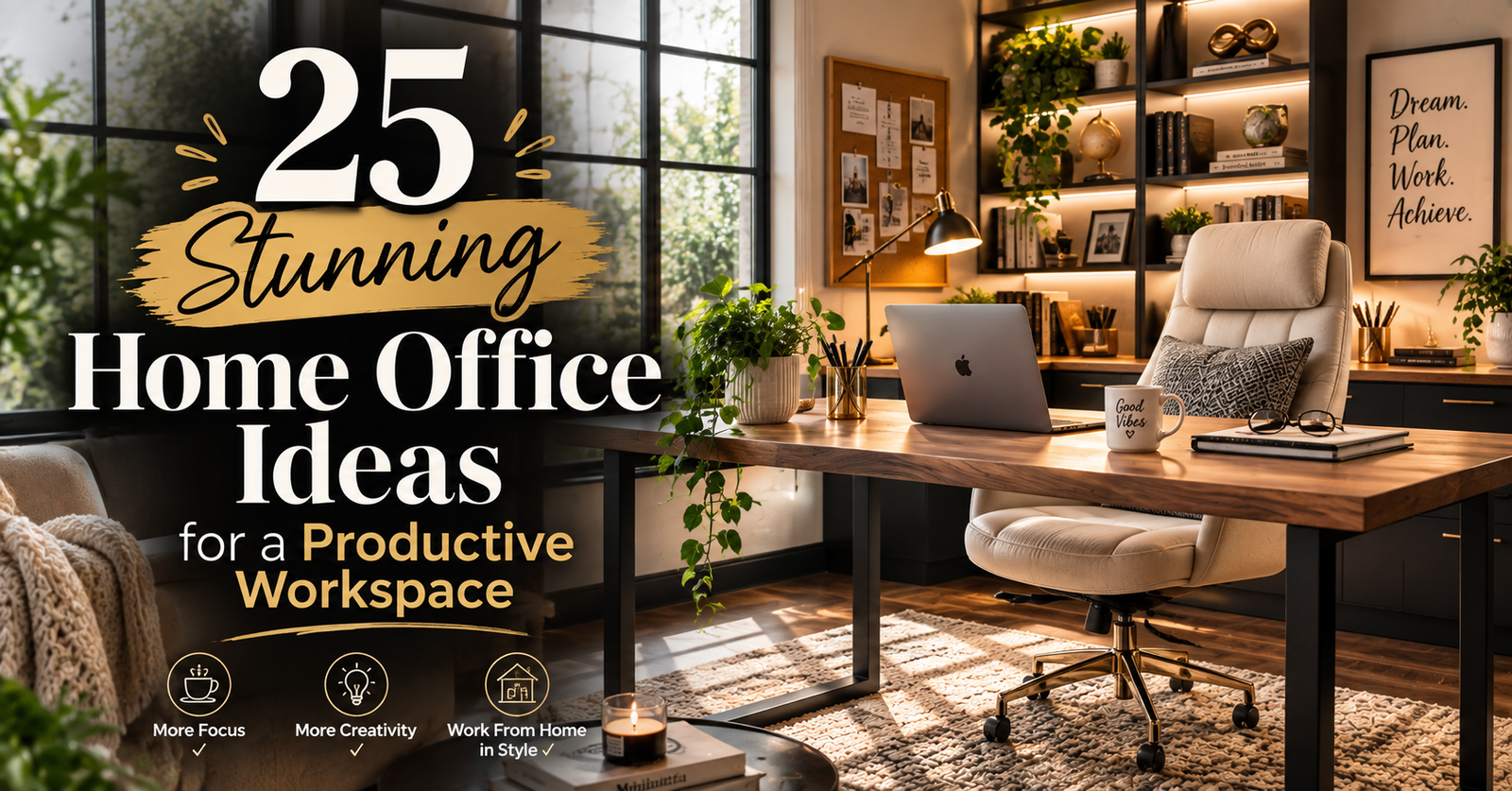
A home office has three jobs: a chair you can sit in for hours, a camera-and-light setup that does not embarrass you on calls, and cables that do not snag your ankles. Paint and plants are optional. Costs at ~280 PKR/USD. Skip anything that only photographs well.
Minimum viable desk: 48×24 in, 28–30 in high, with the monitor top at eye level and a lamp that lights your face, not the wall behind you.
1. Natural Light Optimization
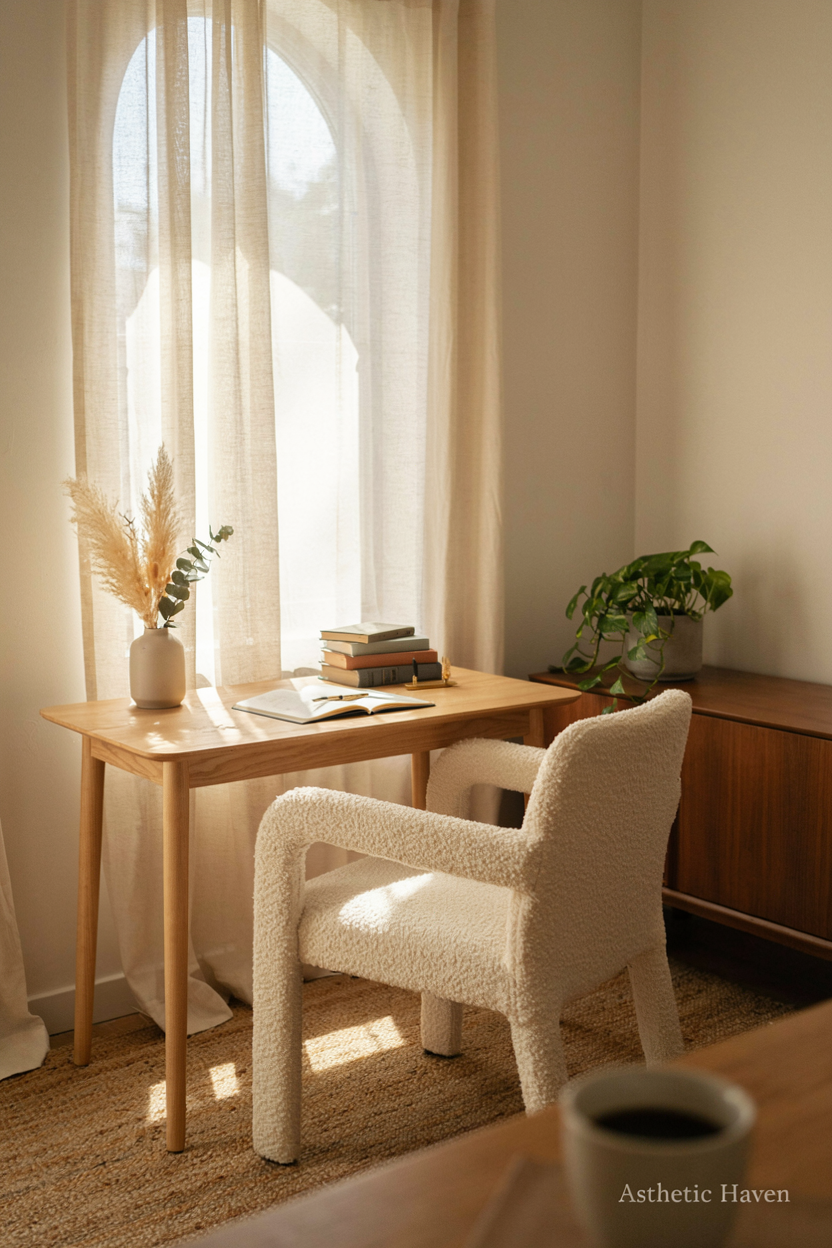
Put the desk so daylight hits the side of your face, not the camera lens and not your screen as a mirror. Sheer $20–$60 (~PKR 5,600–17,000). Time: 30 minutes of moving furniture. DIY. Hire nobody.
Common mistake: window behind you — you become a silhouette on Zoom. Spec: if the window must be behind, add a cheap LED panel in front at ~45° and close sheers. North light is easiest on screens. This is call quality, not “wellness.”
2. Ergonomic Chair Investment
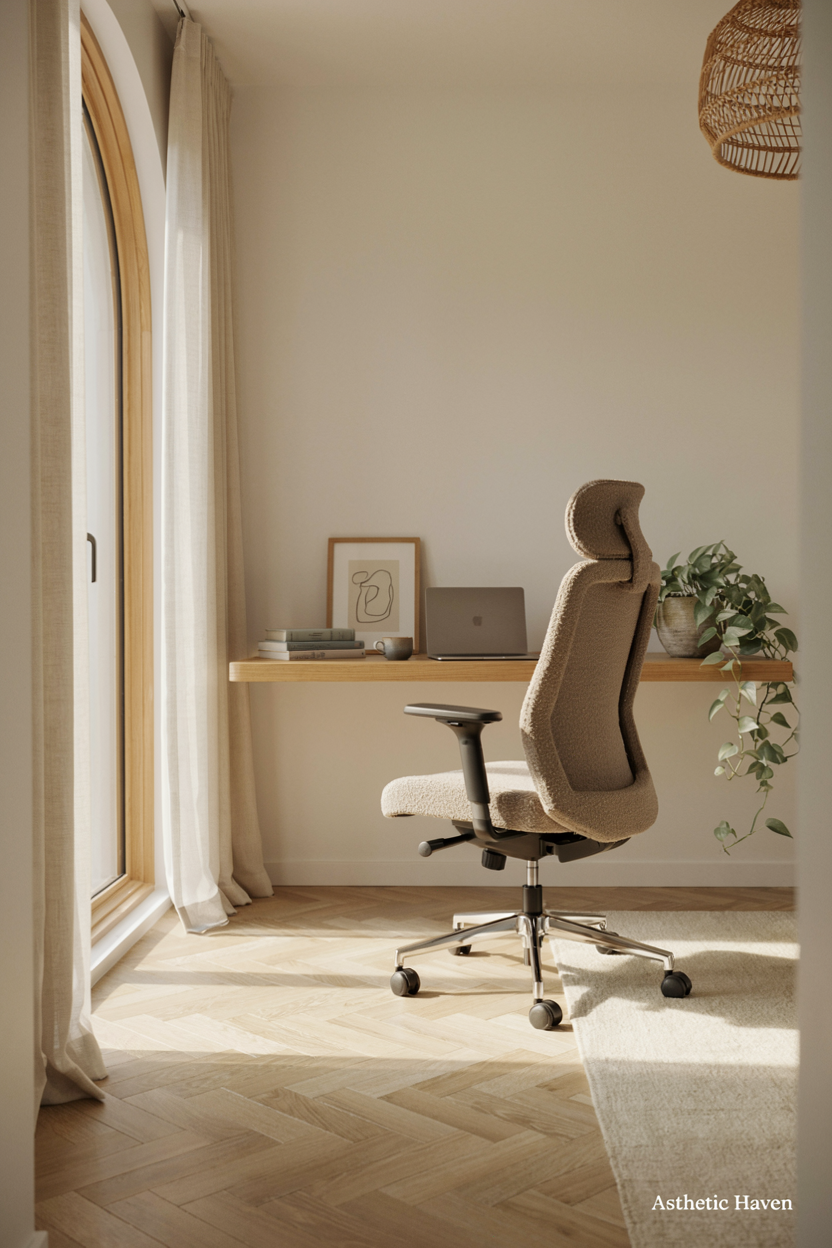
If you work 6+ hours, the chair is the budget. A usable task chair $150–$500 (~PKR 42,000–140,000); a named used Herman Miller-type $300–$800. Dining chairs fail at hour two. Time: sit 20 minutes in a store or buy from a place with returns. DIY. No installer.
Common mistake: a photogenic velvet armchair with no lumbar and a 16-in seat. Spec: feet flat, knees ~90°, lumbar contacts your lower back, armrests that let shoulders drop. Seat depth: 2–3 fingers behind the knee. This beats any wallpaper.
3. Standing Desk Integration
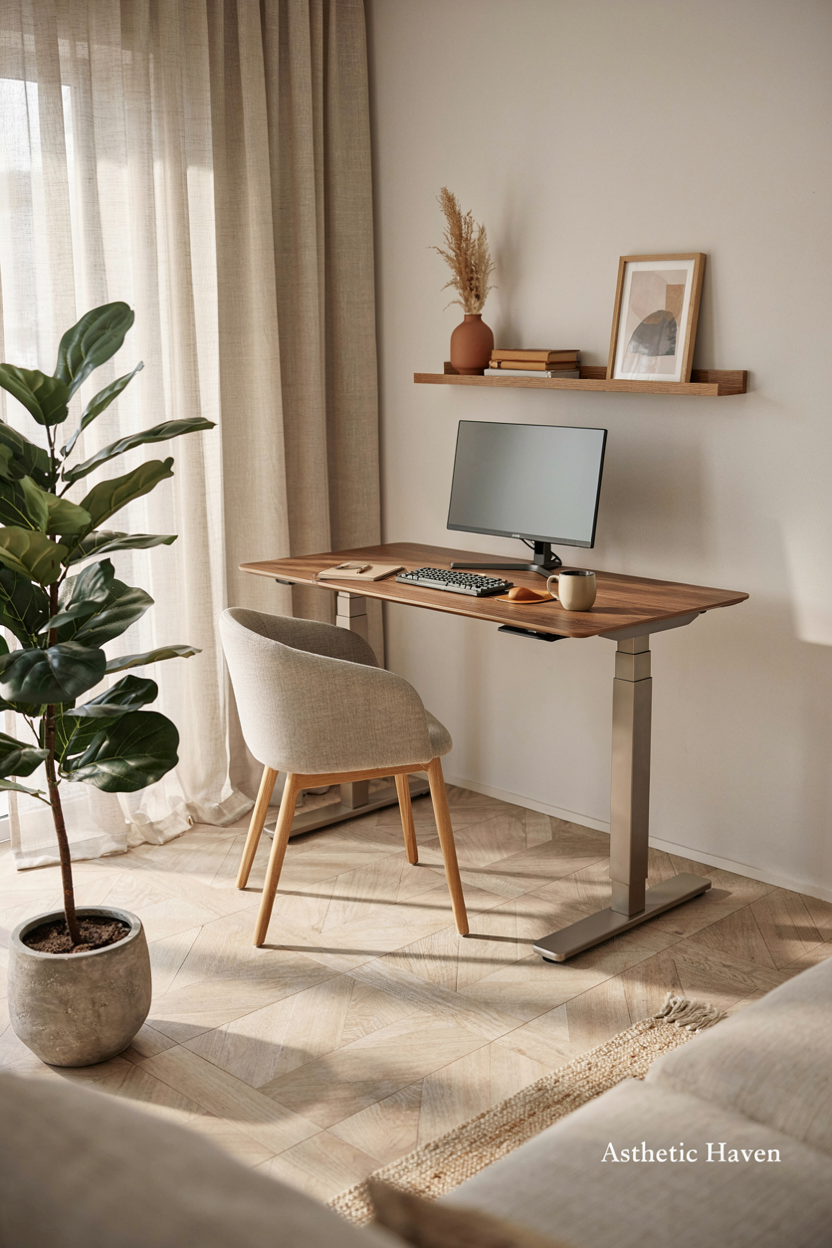
A converter ($80–$250) on a solid desk is enough to test the habit. A full electric desk $200–$600 (~PKR 56,000–168,000). Time: 1–2 hours. DIY. Hire only to move a heavy top.
Common mistake: standing 8 hours on day one, or a converter that blocks the camera. Spec: elbows ~90° at both heights; anti-fatigue mat; cable chain so the monitor does not yank when the desk rises. If you will not stand 30–60 minutes a day, skip it and fund the chair.
4. Minimalist Desk Setup
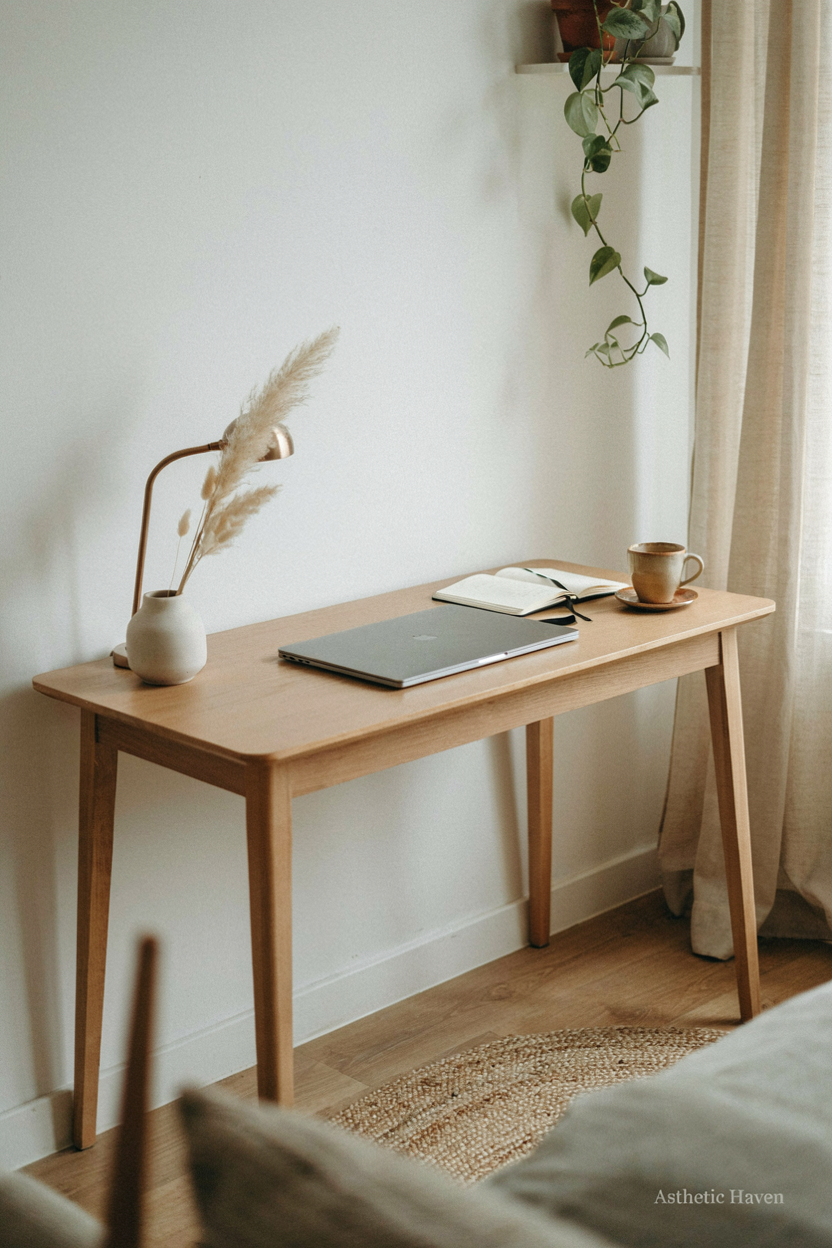
Clear desk means closed storage, not fewer tools. A 48×24 in top $70–$200. Time: 20 minutes daily reset. DIY.
Common mistake: a 40-in desk with a 32-in monitor, speakers, and a plant in the webcam shot. Spec: keyboard 4–6 in from the edge; mouse on the same plane; one tray in a drawer. What stays on top: laptop/monitor, lamp, water, notebook. Everything else is a focus leak.
5. Indoor Plant Oasis
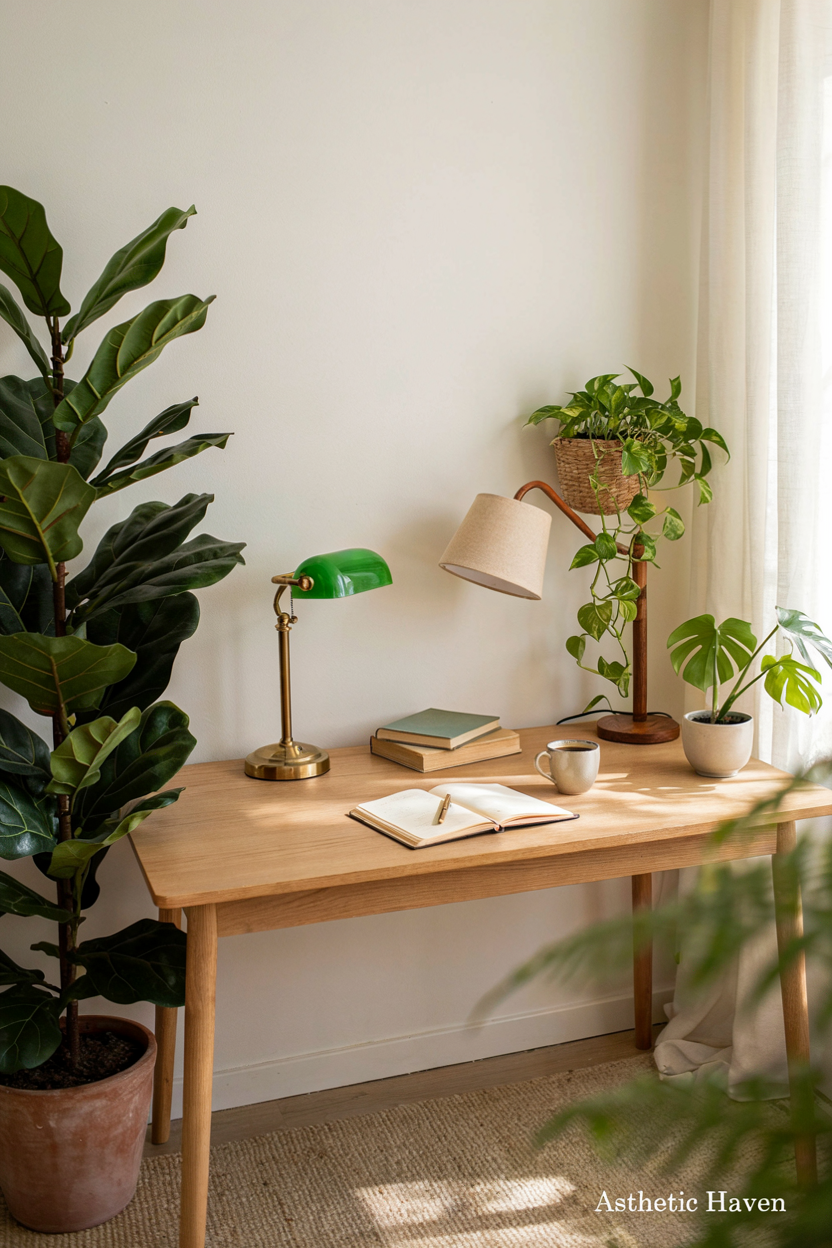
One plant off-camera or behind the monitor is plenty. $10–$40. Time: weekly water. DIY. Skip a “jungle” that drops soil on keys and needs a grow light you will not run.
Common mistake: a fern in a windowless spare room. Spec: snake plant or pothos; keep foliage out of the webcam autofocus. This is optional. Do not spend plant money before a chair.
6. Bold Accent Wall
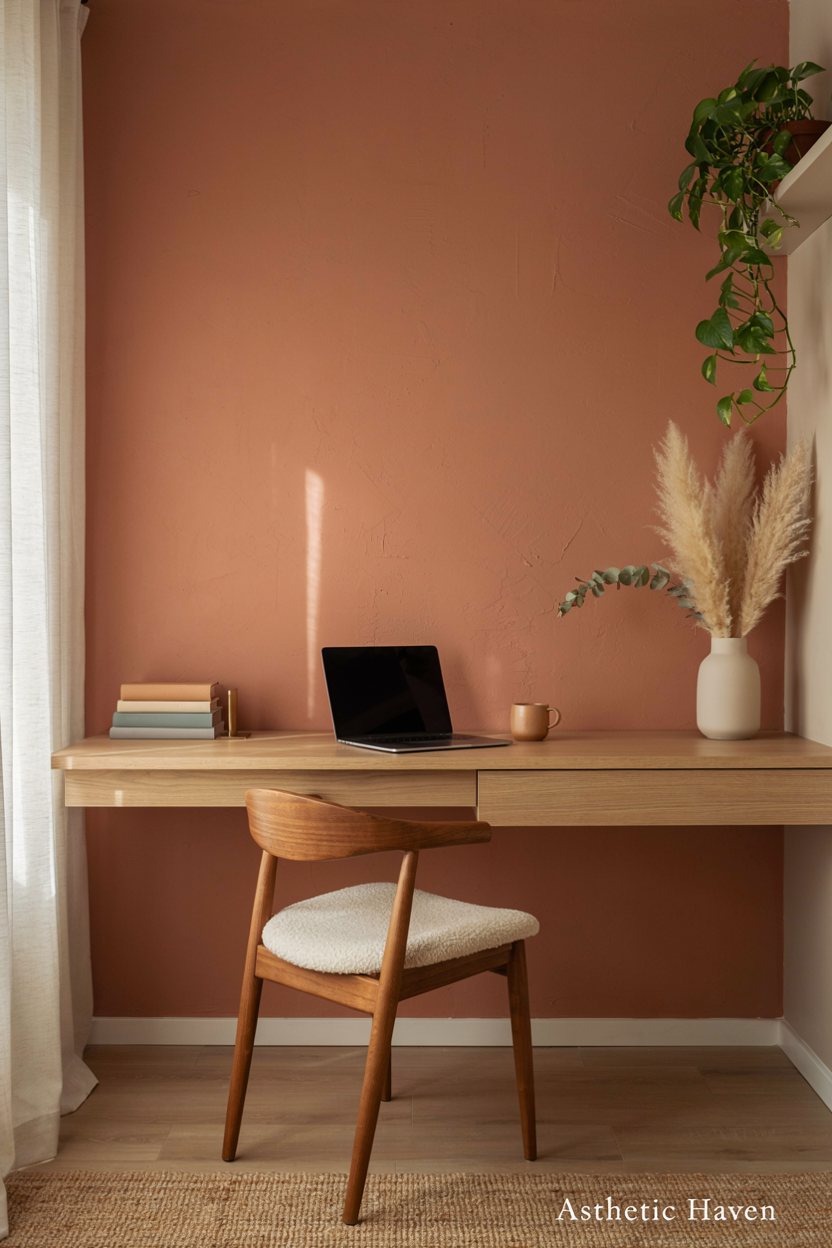
The wall behind you is your call background. Mid-tone paint (sage, clay, gray-blue) $30–$55/gal looks better on camera than white blowout or black voids. Time: a day. DIY.
Common mistake: busy wallpaper that moirés on compressed video. Spec: matte paint; sit 2–3 ft from the wall to avoid a shadow blob. If you never turn the camera on, skip this and buy a monitor arm.
7. Floating Shelves Display
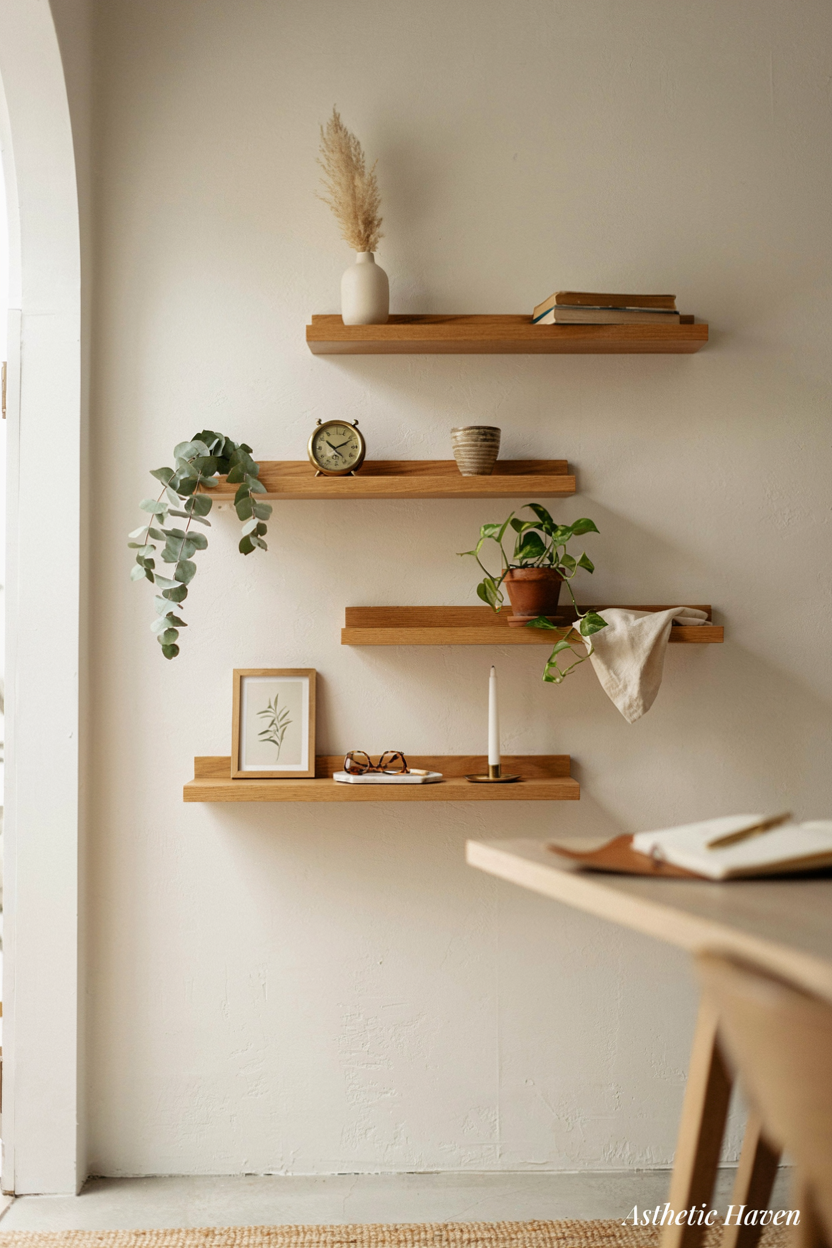
One shelf for a router, a hard drive, and two books — not a gift shop. $20–$60. Time: 1 hour. DIY into studs.
Common mistake: shelves in the camera frame packed with stuff that looks unprofessional. Spec: 8 in deep; keep the call backdrop to 3–5 objects. Use the shelf for equipment overflow so the desk stays a keyboard zone.
8. Cable Management System
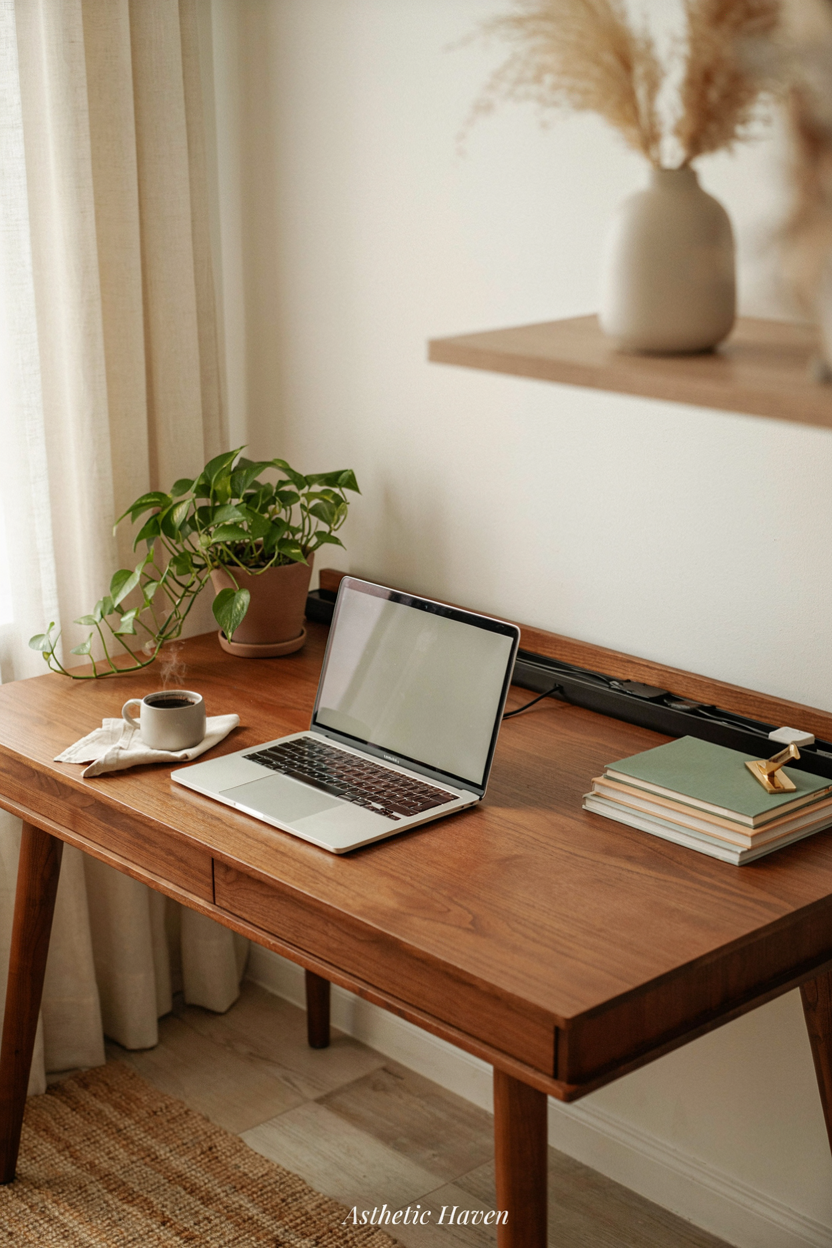
This is a work item, not décor. Under-desk tray + Velcro + a power strip $20–$50 (~PKR 5,600–14,000). Time: 1 hour. DIY. A surge strip with USB-C beats a nest of wall warts.
Common mistake: zip-tying so tight you cannot replace a laptop. Spec: service loops; tray screws into the desk; cables off the floor (trip + vacuum). Label the ends. Standing desks need a flexible cable spine.
9. Personalized Art Gallery
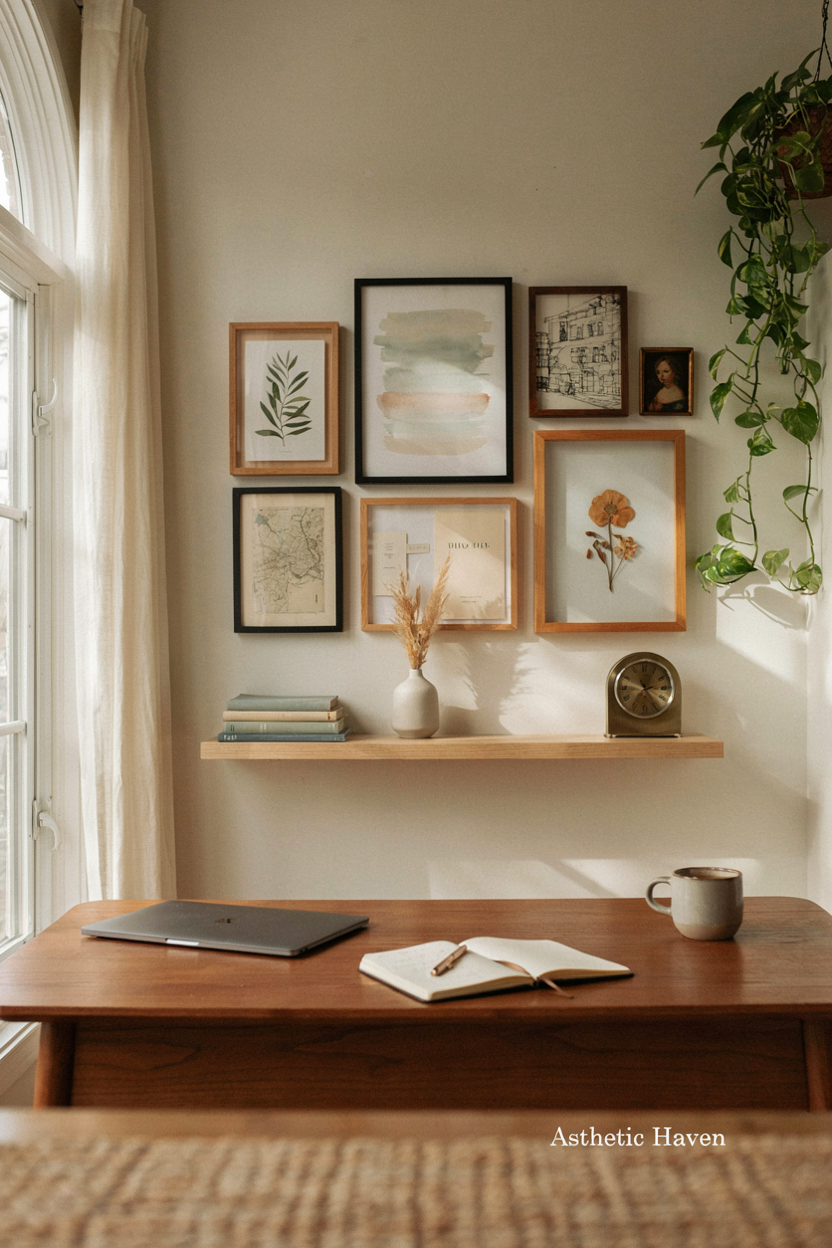
One large print behind you is a background; twelve frames is visual noise on 720p. $20–$80. Time: 1 hour. DIY. Skip if it causes glare from the window.
Common mistake: glass glare that flashes every time you move. Spec: matte print or anti-glare; hang so it sits in the upper third of the webcam, not a tiny postage stamp. Optional. A plain wall is a valid professional choice.
10. Task Lighting Excellence
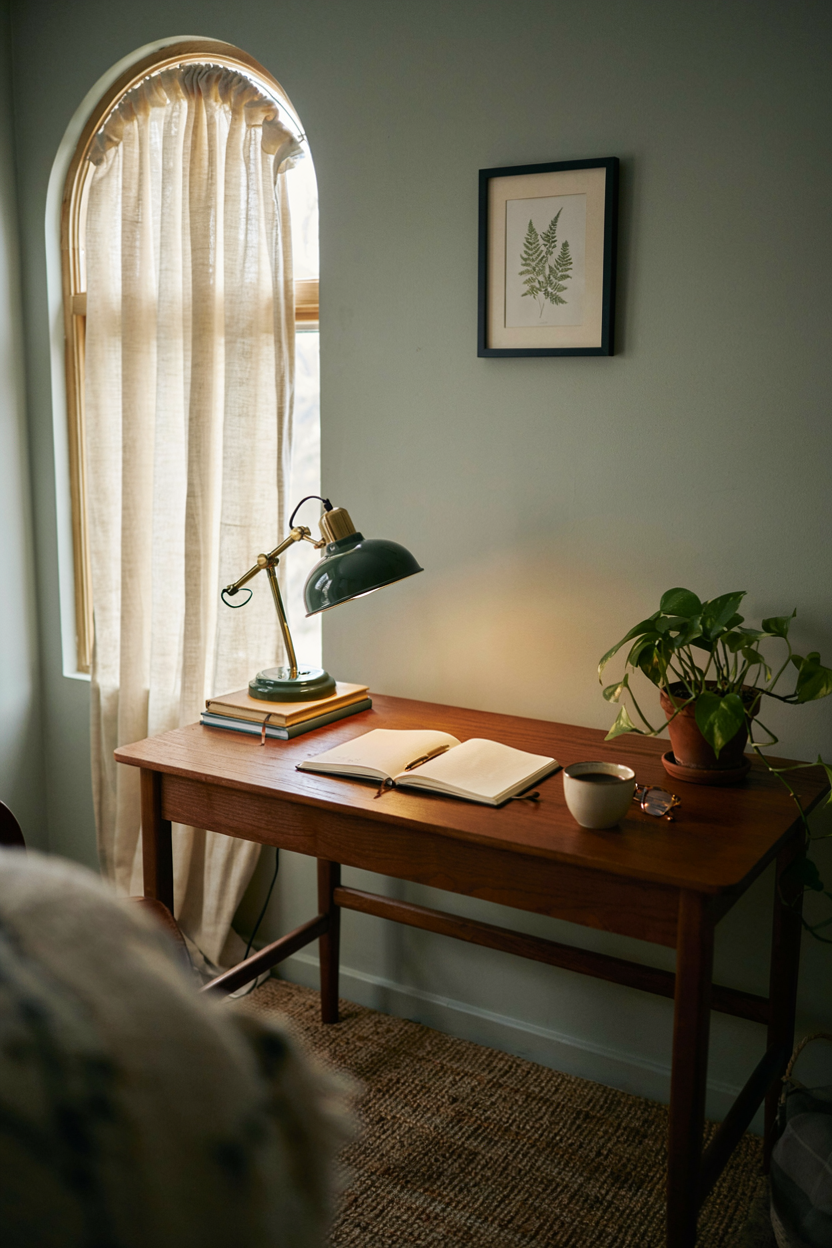
A desk lamp with a shade that can aim at paper and bounce off a wall for calls. $25–$90. Time: 10 minutes. DIY. A $40 ring light or LED panel in front of you is for video; a downlight only on the desk leaves your face in a cave.
Common mistake: 5000K flood from above (raccoon eyes). Spec: 3000–4000K, CRI 90+ if you can; key light at face height, slightly off-center. Dim the ceiling during calls.
11. Cozy Reading Nook
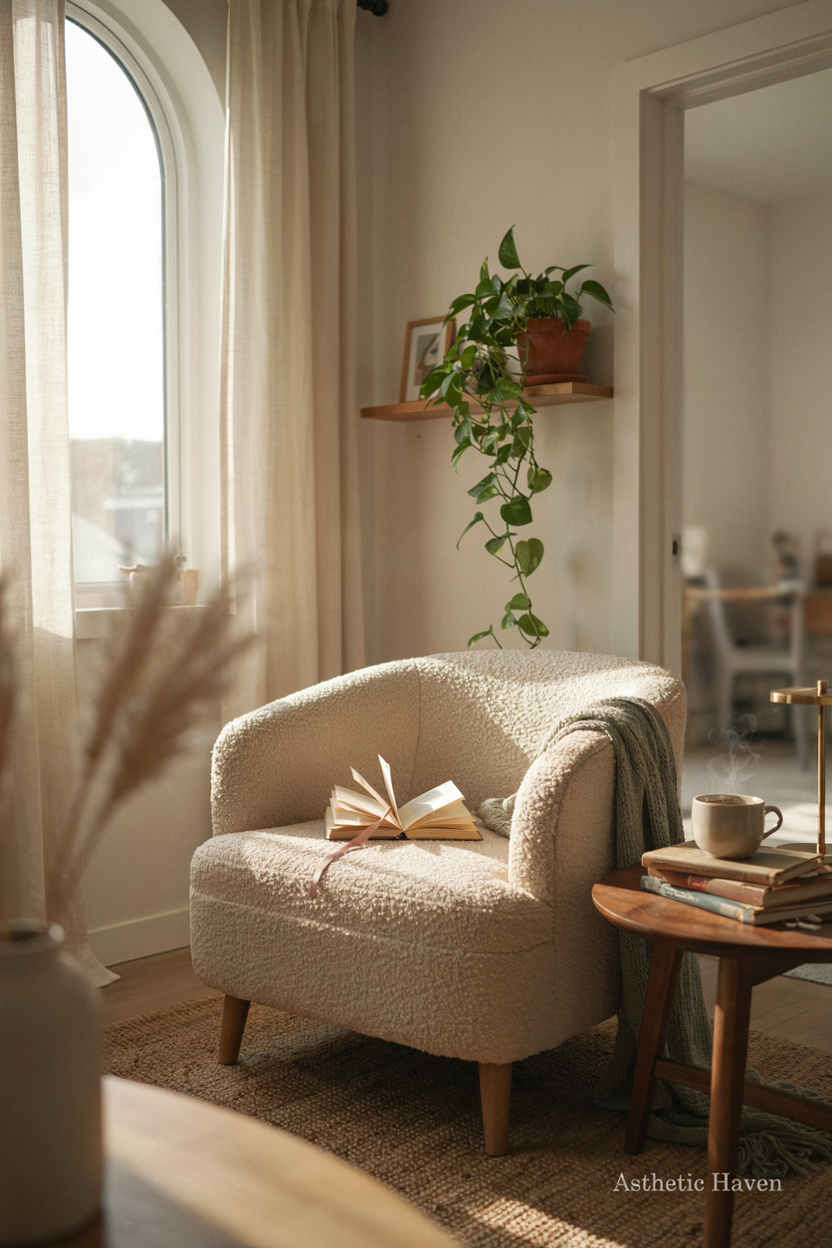
Only if the room is large enough that a chair will not become laundry. Chair + lamp $100–$400. Time: 20 minutes. DIY. In a 6×8 ft office, skip — the nook steals the chair budget and the walkway.
Common mistake: a lounge chair as the only work seat. Spec: keep the nook off camera and out of the 30-in desk chair zone. If you need a second chair for thinking, a $80 task chair that rolls is more honest than a “nook.”
12. Acoustic Panels Installation
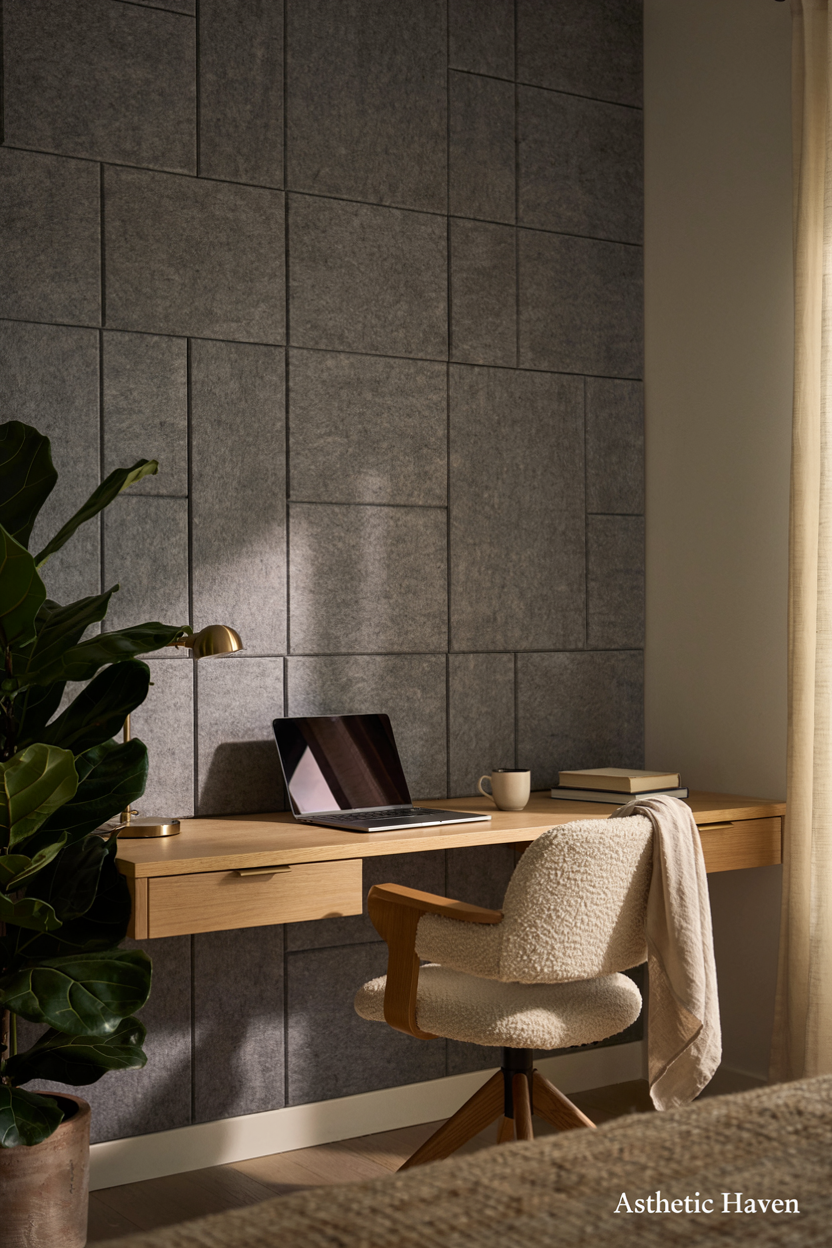
Echo on calls is a hard wall + a laptop mic. Two 12×12 in foam or fabric panels behind the mic side $20–$80; better: a $50–$150 USB mic plus a bookcase. Time: 1 hour. DIY. Hire nobody for foam.
Common mistake: covering one wall in cheap pyramids that do little below 1 kHz. Spec: treat the wall behind you and the first reflection points; a rug under the chair; close the door. A headset with a boom mic ($30–$80) often beats a panel grid.
13. Pegboard Wall Organizer
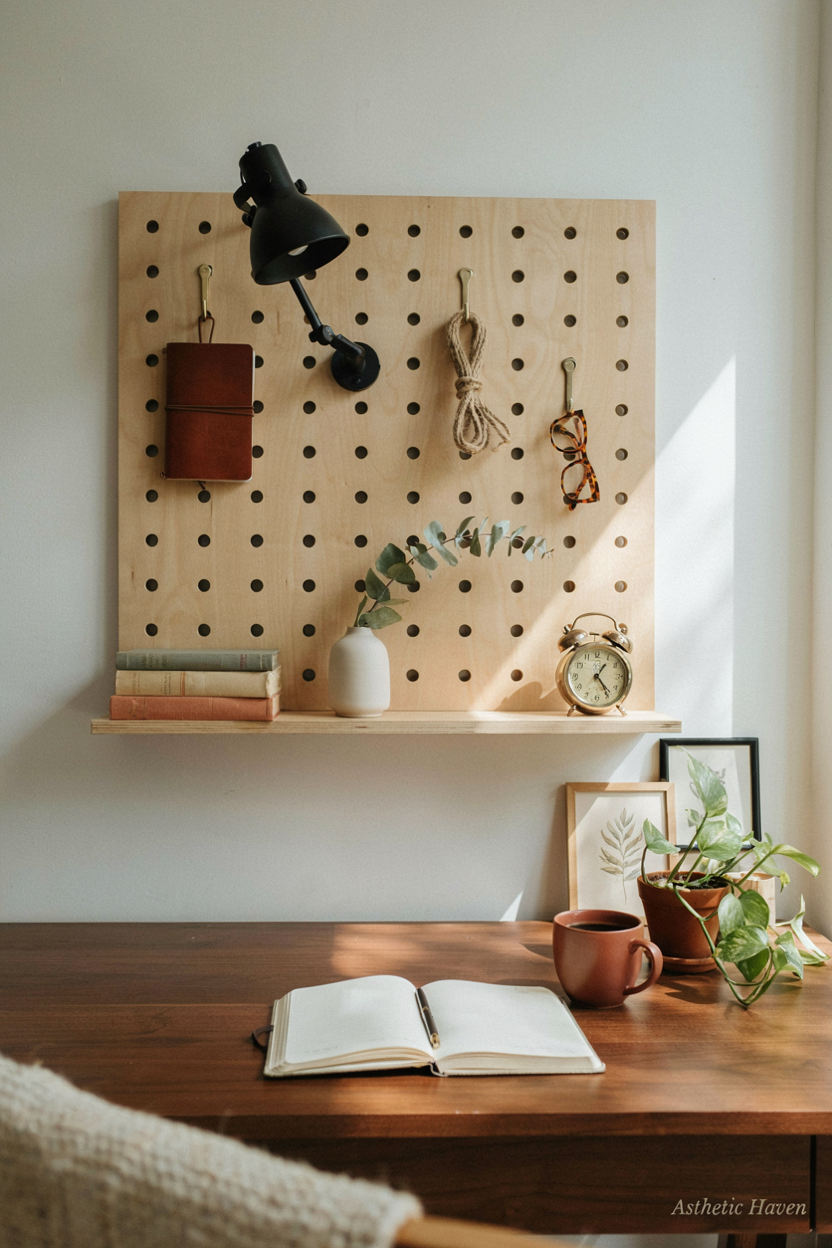
Useful for makers and people with tools; decorative pegboards of “cute clips” are clutter at eye line. Board $20–$60. Time: 1 hour. DIY into studs.
Common mistake: putting it in the webcam shot. Spec: mount beside or behind the monitor, not behind your head. Headphones, a capture card, and scissors belong here. Knickknacks do not.
14. Vintage Rug Foundation
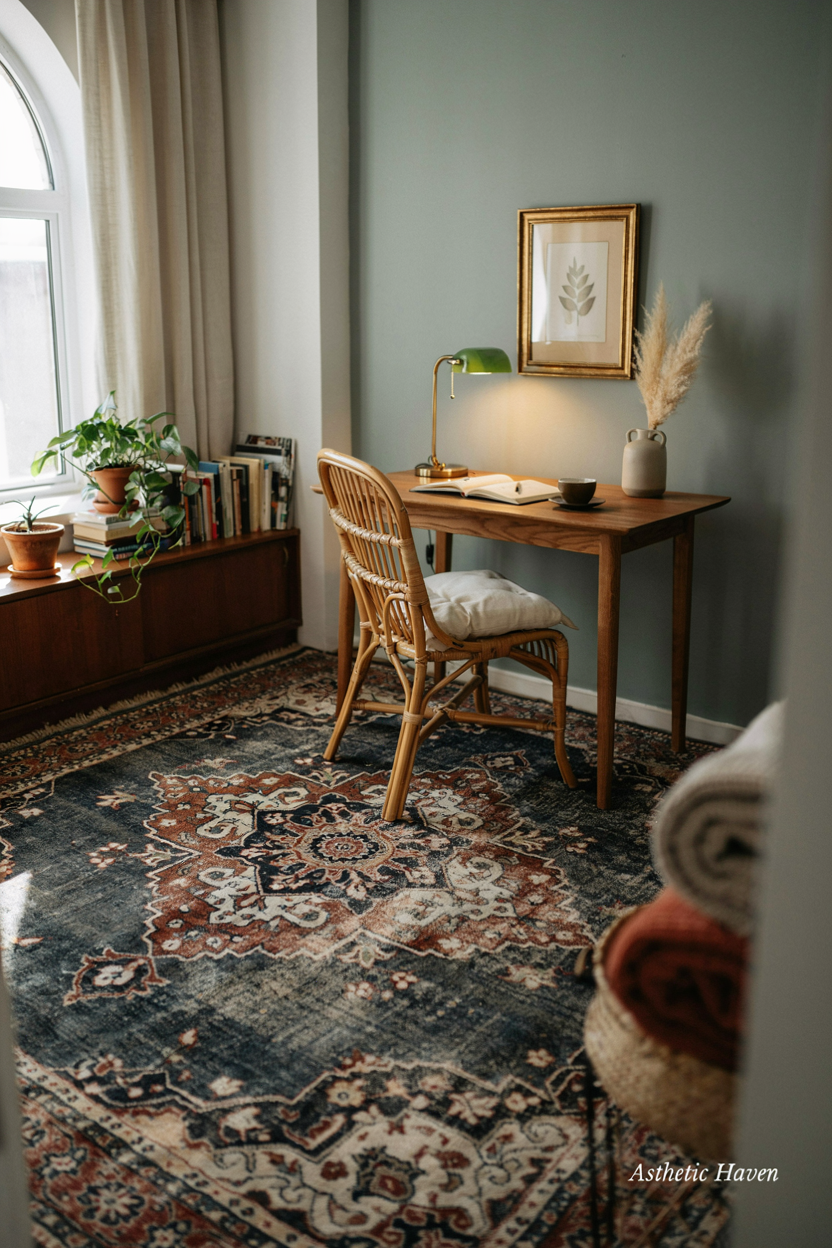
A rug under the chair stops the casters from eating the floor and dulls echo. 5×7 $50–$200 (~PKR 14,000–56,000). Time: 10 minutes. DIY. A hard plastic chair mat on carpet is $20–$40 if you cannot buy a rug.
Common mistake: a pile so thick the chair will not roll. Spec: low pile; chair + desk feet on the rug; 24 in of rug behind the chair so you do not drop off. Skip “vintage” if it sheds on the PC intakes.
15. Dual Monitor Setup
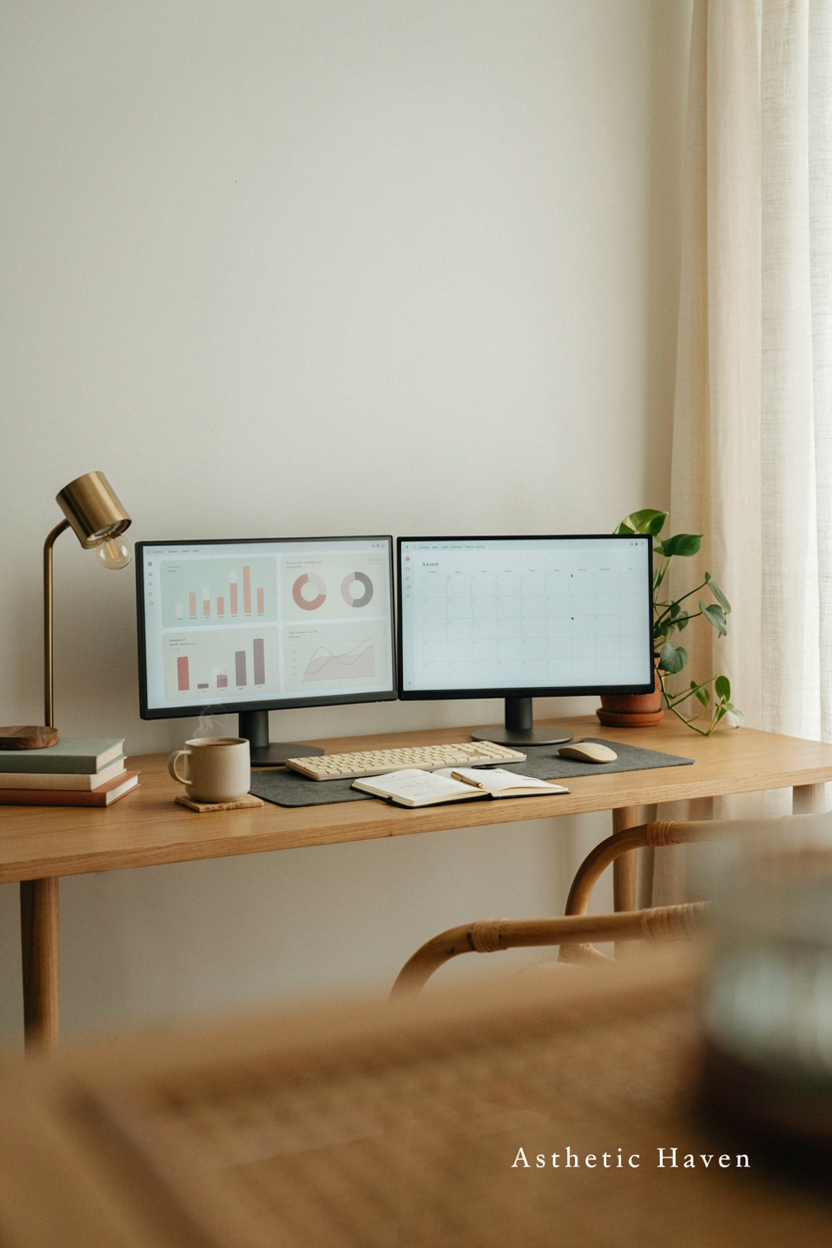
Two 24-in 1080p screens or one 27-in plus a laptop. Used 24-in $60–$120 each; a dual arm $40–$90. Time: 1 hour. DIY. This is real productivity for spreadsheets and references. It is not required for email-only jobs.
Common mistake: screens so high you look up, or so wide the webcam is a side view of your ear. Spec: tops at or slightly below eye level; inner edges almost touching; laptop on a stand if it is the camera. Place the camera above the main screen, not off to the side.
16. Hidden Storage Solutions
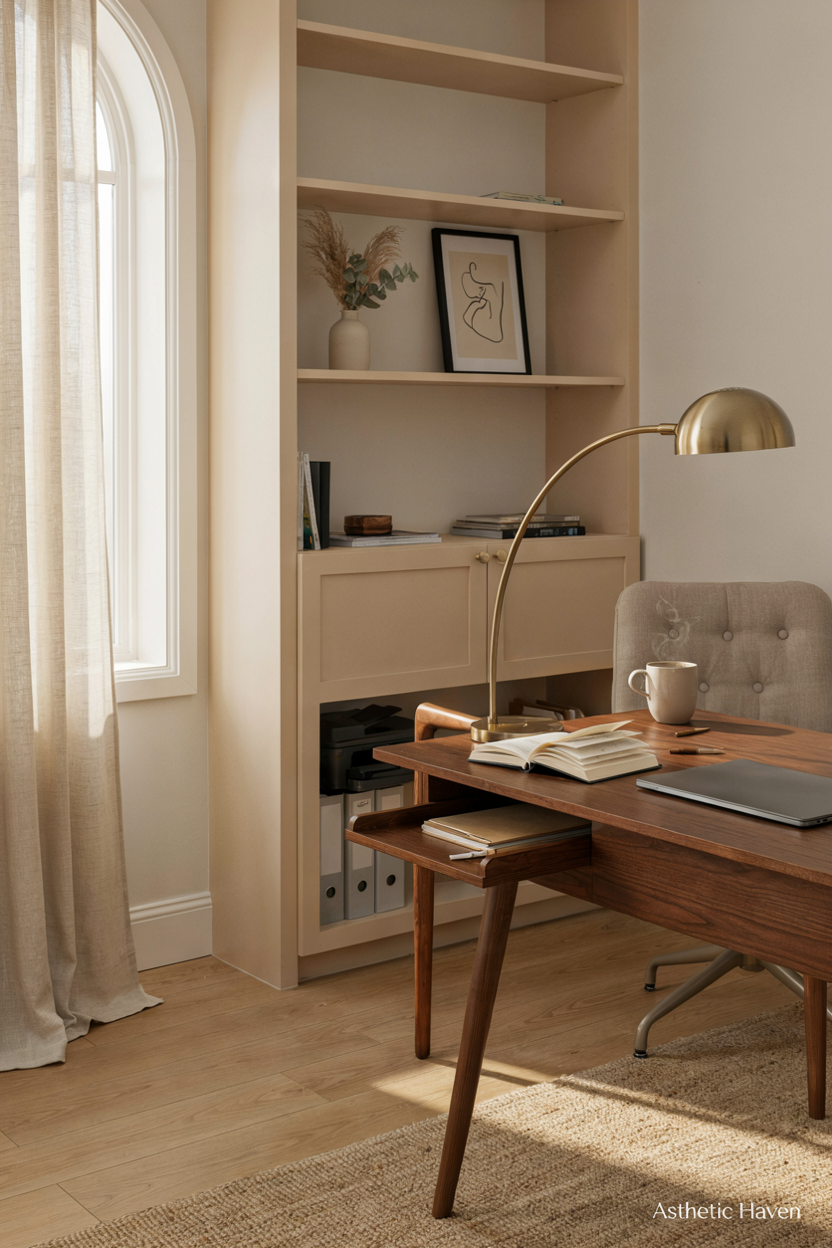
A 2-drawer file or a closed cabinet $40–$180. Time: 20 minutes. DIY. Paper, chargers, and snacks off the desk is focus. Open crates of cables are not hidden.
Common mistake: a glass cabinet in camera view. Spec: one closed volume within a 90° swivel of the chair. Label the drawers. If the room is a bedroom, a closet shelf beats a “pretty” open rack.
17. Aromatherapy Diffuser Addition
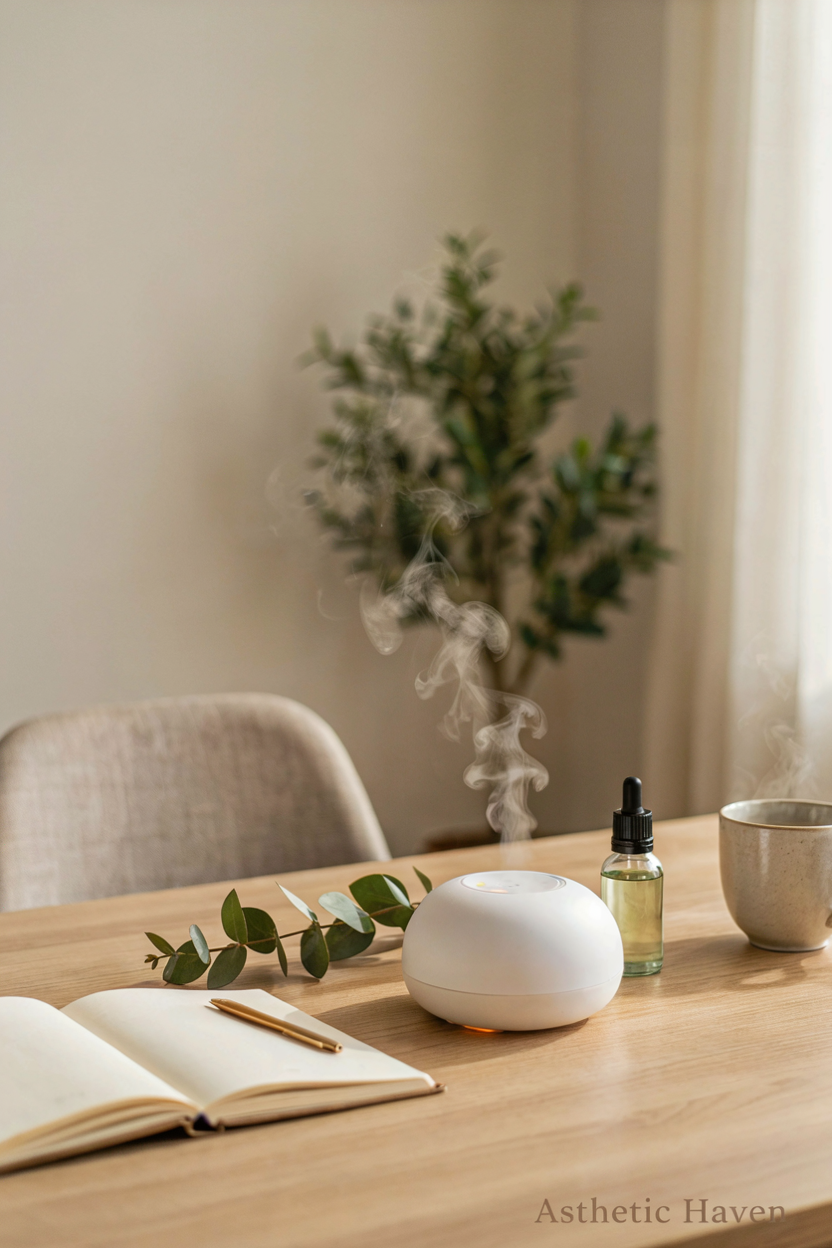
Skip this until chair, light, and cables are done. A $15–$40 diffuser is optional scent, not productivity. Time: none that matters. DIY. Water + electronics + a cat is a spill risk.
Common mistake: running oils next to a laptop intake. Spec: if you use one, keep it off the desk, on a side table, unplugged during calls if it hisses into the mic. A window and a walk beat a diffuser for alertness.
18. Natural Wood Elements
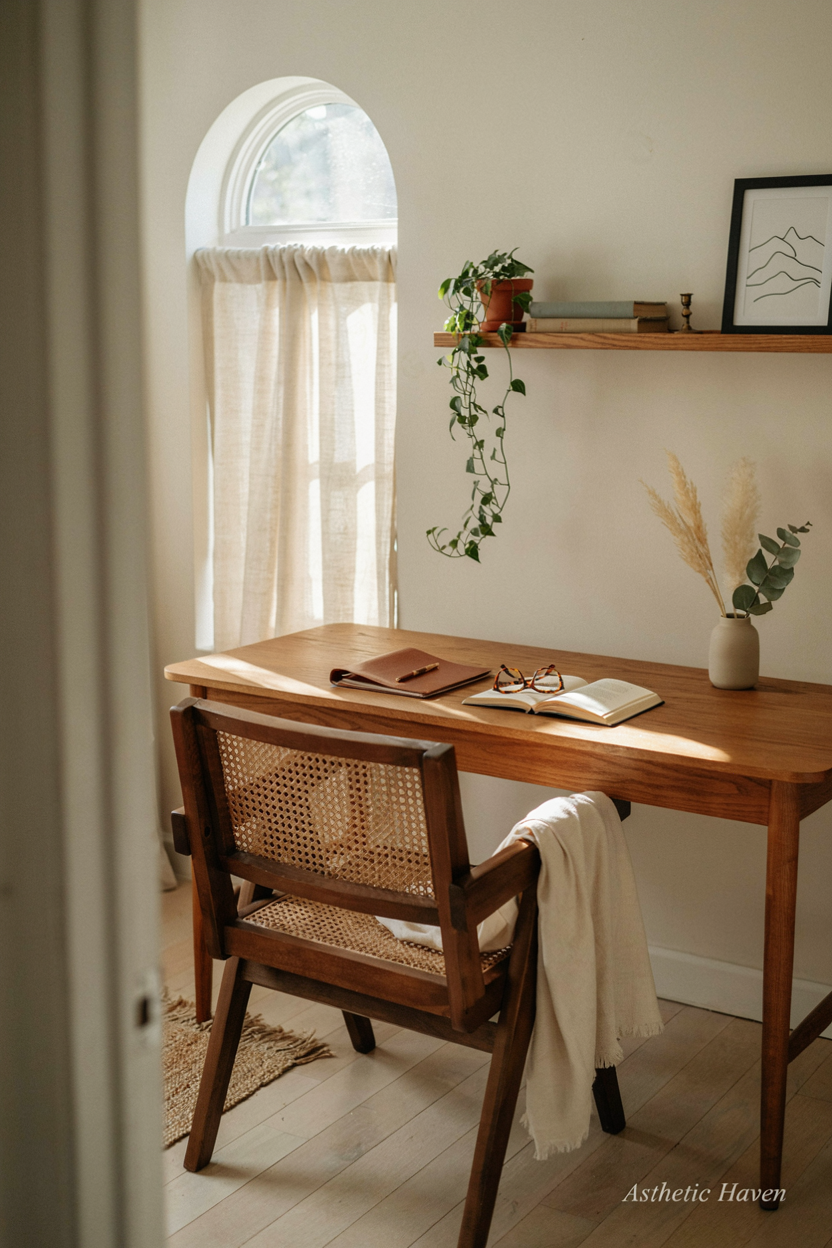
A wood desktop is a surface you can clamp an arm to. Butcher block $80–$250 on IKEA legs is a known cheap desk. Time: 2 hours. DIY. Hire for a wall-mounted wood slab if you cannot hit studs.
Common mistake: unfinished pine that stains under a coffee cup and a wrist. Spec: 1.5 in thick if you clamp a monitor arm; oil or water-based poly. Depth 24–30 in. Wood is not required for focus — a laminate that is 48×24 in is.
19. Chalkboard Paint Wall
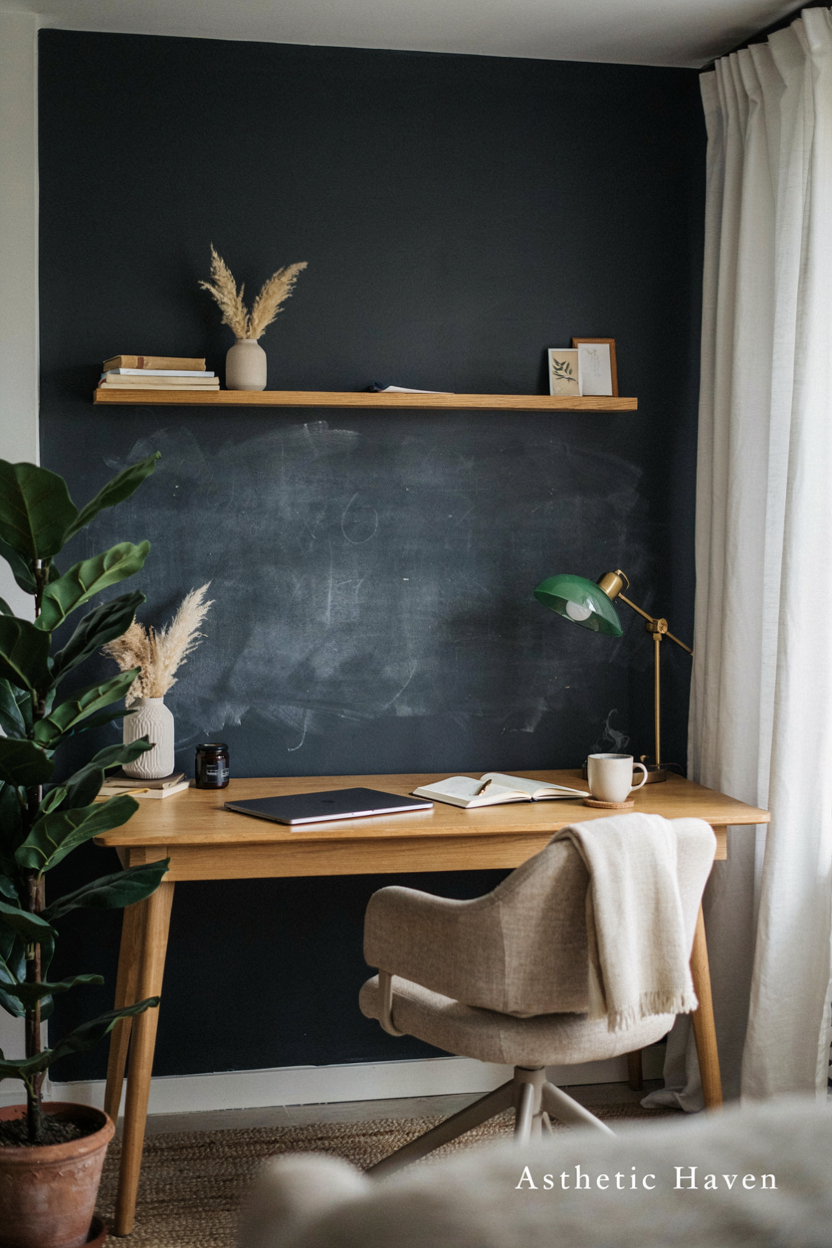
A 4×4 ft chalkboard for lists can work; a whole wall of dust next to a PC is a filter killer. Paint $20–$40. Time: a day plus cure. DIY. A $15 whiteboard is cleaner for most people.
Common mistake: chalkboard as the camera background — glare and dust. Spec: put it beside the desk, not behind you; vacuum the PC more often. Skip if you will not actually write weekly.
20. Corner Desk Maximization
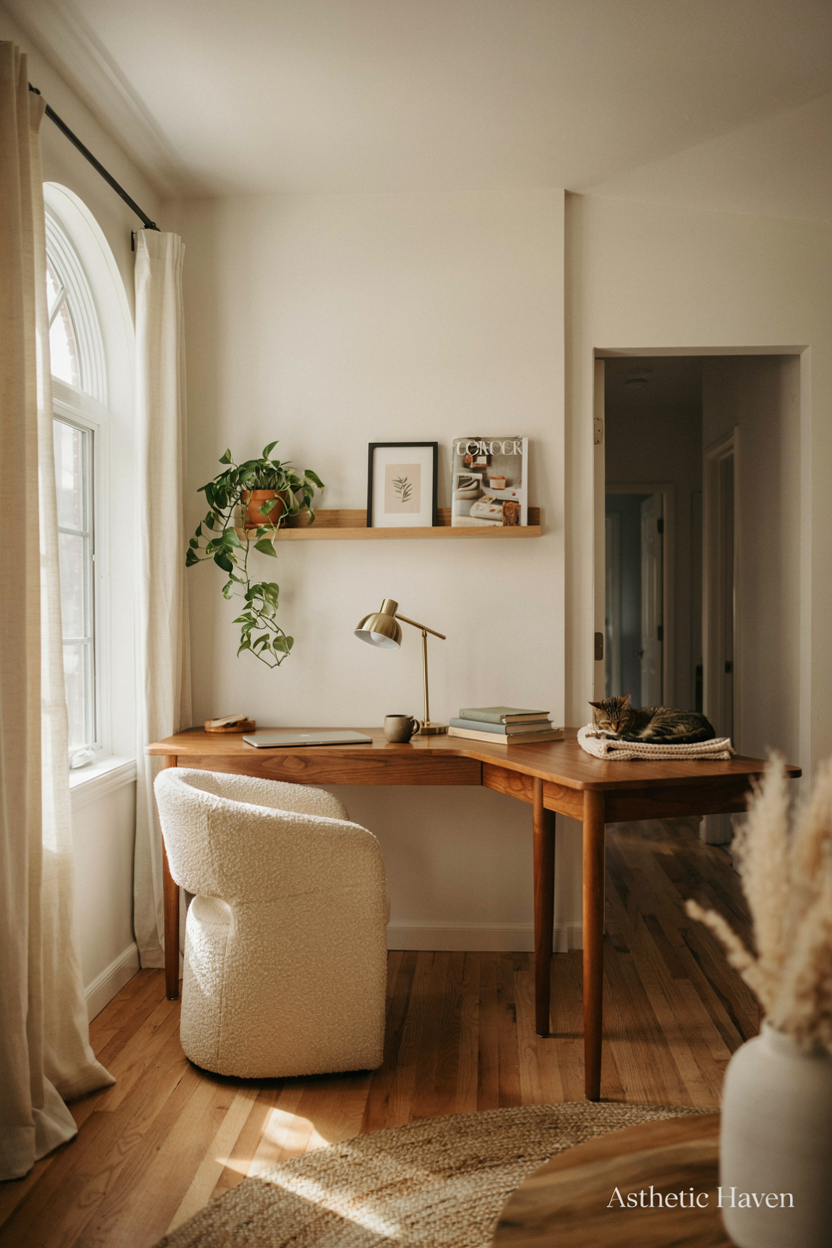
A corner desk saves a small bedroom. $80–$250. Time: 1 hour. DIY. The camera usually wants you facing into the room, not into a corner shadow.
Common mistake: a 60-in L that leaves no chair roll space. Spec: 30 in of chair zone; run cables along the inner corner with a grommet; put the window to the side. A straight 48-in desk against the long wall is often better than a corner that fights the door.
21. Colorful Desk Accessories
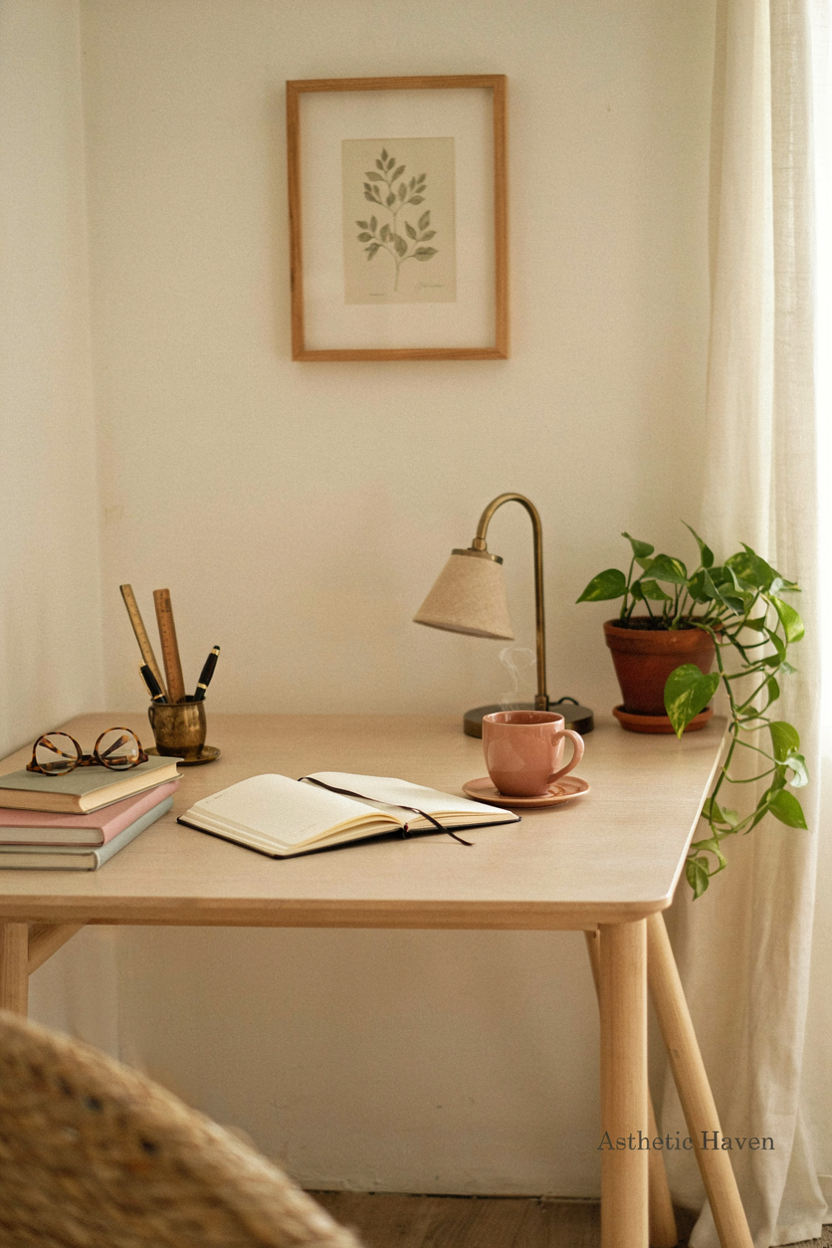
Skip as a category until the tools work. A $8 mouse pad that is large enough for a mouse is useful; a rainbow tape dispenser is not. Time: zero if you skip. DIY.
Common mistake: accessories that migrate into the webcam. Spec: one color for pad + mug if you care; nothing taller than the laptop hinge in the camera band. Spend leftover money on a boom arm for the mic.
22. Layered Lighting Design
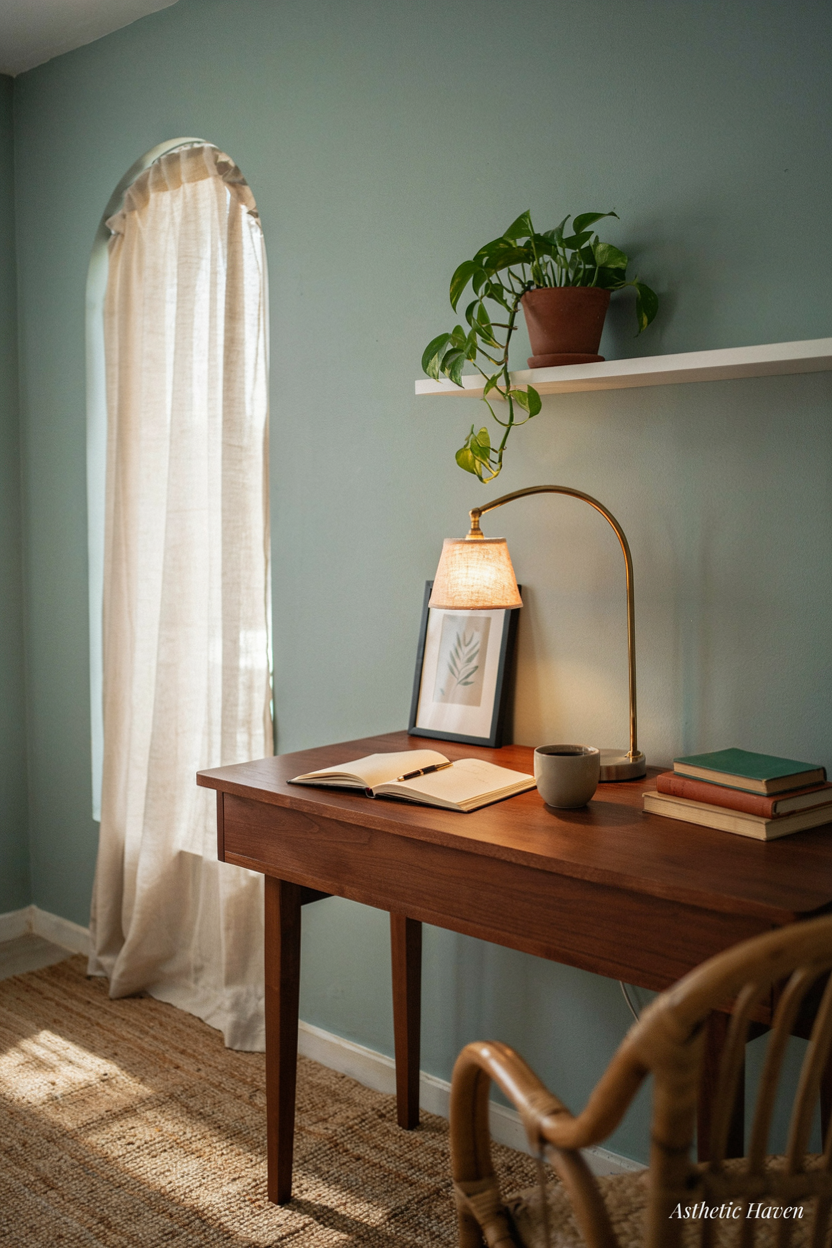
Ceiling for cleaning the room, task for the desk, a third source for your face on calls. $40–$120 all-in if you already have a ceiling fixture. Time: an evening. DIY plug-in. Hire an electrician for a dimmer ($80–$200).
Common mistake: one overhead LED at 5000K. Spec: dim or off the ceiling on calls; 3000–4000K task; bias light behind the monitor (a $15 LED strip) reduces eye strain. Match color temps so skin does not look green.
23. Built-In Bookcases
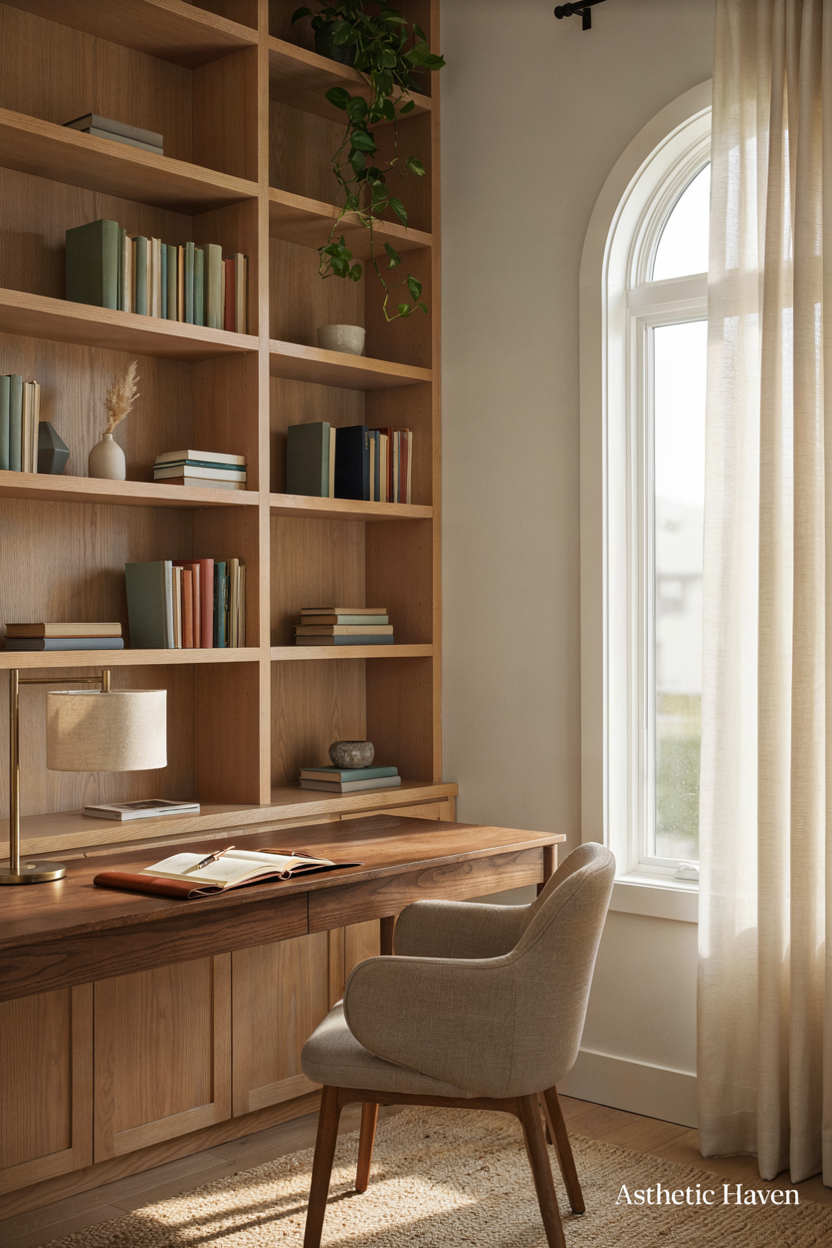
Built-ins help acoustics and storage. IKEA-hack $200–$600; carpenter $1,500–$6,000 (~PKR 420,000–1.68 million). Time: a weekend vs a week. DIY hacks; hire for true built-ins and anything that hides wiring.
Common mistake: bookshelves as a messy call background. Spec: 12 in depth; anti-tip; keep the camera slice edited. Run ethernet inside if walls are open. This adds value; a fake “library” of empty boxes does not.
24. Transparent Acrylic Furniture
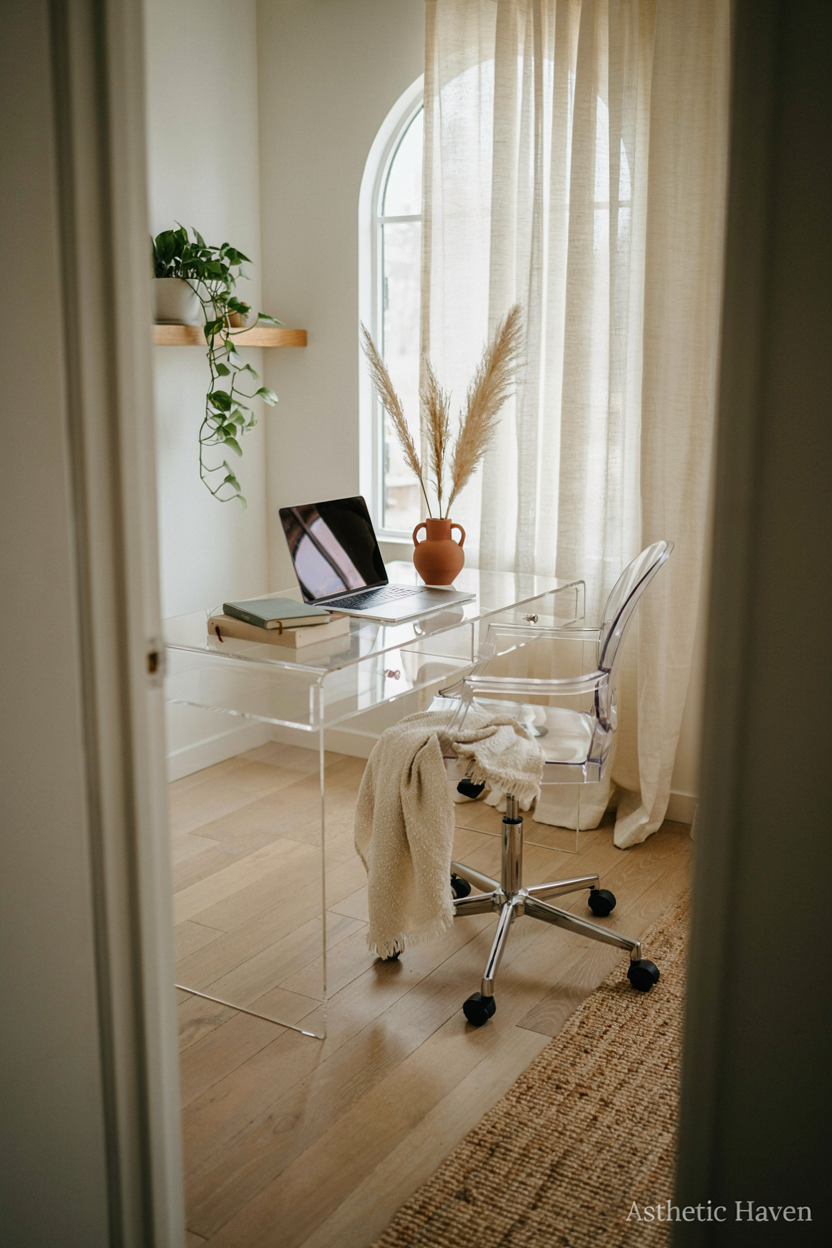
Skip for work. Acrylic chairs flex, scratch, and photograph fingerprints. A $40 guest stool is enough if someone sits for a meeting. Time: saved by not buying it.
Common mistake: an acrylic desk that you cannot clamp an arm to. Spec: if the room is tiny, an open-leg wood desk shows floor without the scratch theater. Use the money on a monitor arm ($30–$80) instead.
25. Window Seat Conversion
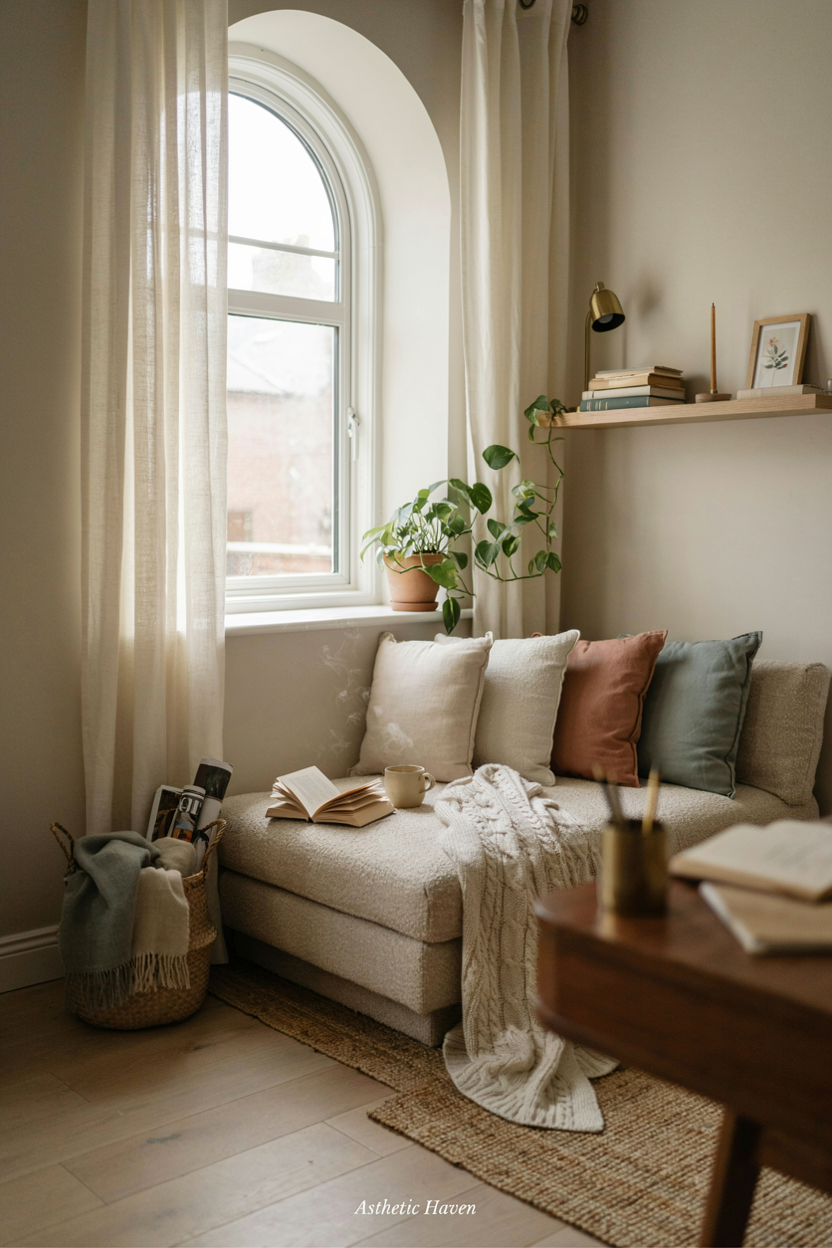
A window seat is a reading spot, not a desk — glare and a 16-in depth fail as a workstation. Cushion $40–$150. Time: a weekend. DIY only if the radiator/egress is safe. Hire a carpenter $400–$1,200.
Common mistake: trying to work on a laptop on your knees in the window for 8 hours. Spec: keep the real desk perpendicular to the window; use the seat for breaks. Do not block an egress window. If you only have the bay, a 20-in-deep wall-mounted desk to the side of the glass is the work surface.
If you only do three things
- Buy a chair you can sit in for a full workday, then a desk 48×24 in at 28–30 in high.
- Fix video: light on your face, no window behind you, camera at eye level; add a $30 boom mic or headset if the room echoes.
- Tray the cables, put storage in a closed drawer, and stop spending on décor until those three work.



Leave a Reply